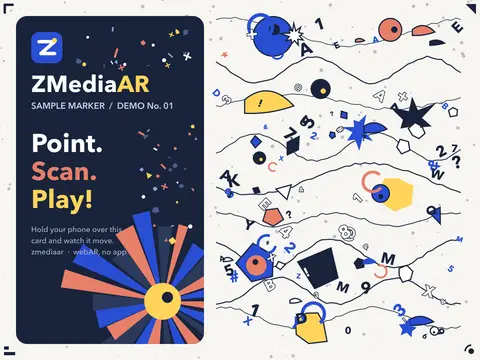
Choose a print
A poster, flyer, card, package, or page you already print. The artwork itself is the trigger — no special marker.
WEBAR STUDIO · FREE BETA
A poster, a package, a page. Upload the print, add a video, share a QR. Anyone opens it with a scan, no app. The Pro Scene Composer (beta) adds 3D, green-screen video, text, and sound.

HOW IT WORKS
The free plan keeps to one flow: pick an image, place a video over it, let people find it with their phone. See the full walkthrough
A poster, flyer, card, package, or page you already print. The artwork itself is the trigger — no special marker.
Fit it to the print's shape so it feels like part of the paper. MP4, up to 50 MB.
A QR opens the camera page in the browser. Point at the print, the video plays on it.
PRO · BETA Want more than one video? The Pro Scene Composer turns step 02 into a 3D scene. See how it works
ON THE PRINT
The free plan plays one video. The Pro Scene Composer stacks up to 20 items on the same print, each with its own place, timing, and motion.
Plays flat on the print, or floats above it.
Free: 1 · Pro: up to 3Key out the backdrop so a person or product stands on the paper.
PRO · BETAPNG and WebP with transparency, placed anywhere in 3D.
PRO · BETAGLB or glTF, with its animations. Spin it, float it, play a clip on tap.
PRO · BETAFour type styles, outline, backing plate. Up to 500 characters.
PRO · BETAA soundtrack, or spatial sound that gets louder as you lean in.
PRO · BETASix primitives with real materials, lit by up to four lights.
PRO · BETAitems on one print, each with its own place, timing, and motion.
Everything runs in the phone's browser. No app, no download. All Composer features
PRO SCENE COMPOSER · BETA
Same tracking as the free plan, with a full scene on top instead of a single video.
The same artwork you send to the printer. ZMediaAR compiles it into a tracking target in your browser.

Drop in video, images, 3D, text, and sound. Move, rotate, and scale each one on the print. Pick when it appears and how it moves.
Get a share link and a framed QR. Scan it, point at the print, and the scene reveals itself.
Illustrations of the Composer's panels: the upload step with a tracking-quality meter, the add-items step with seven item types and a list of scene items, and the publish step with a framed QR code and a share link.
THE COMPOSER
Outliner on the left, the print in the middle, every setting on the right. What you see in the editor is what the phone shows.
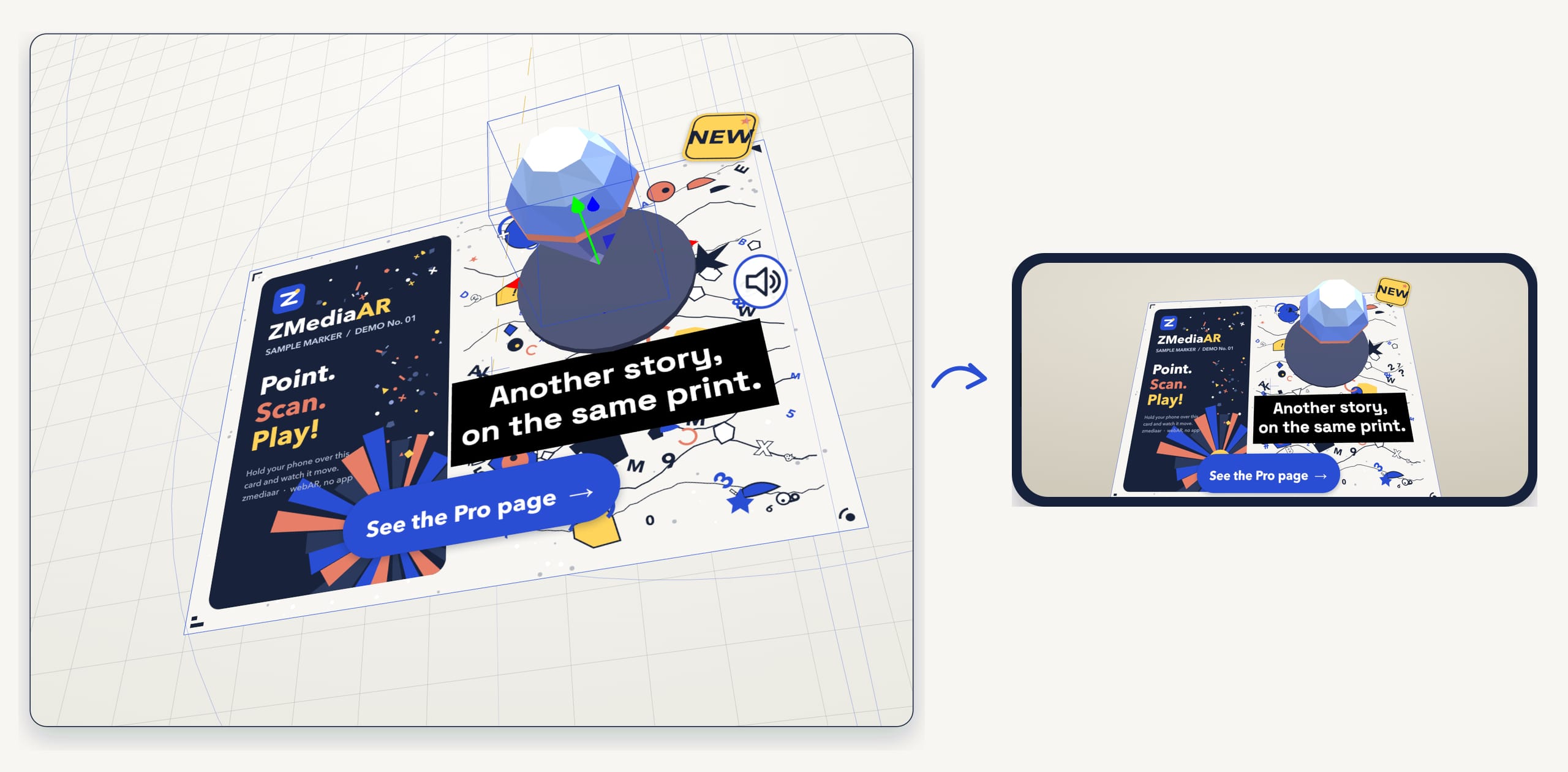


Try the Composer — no sign-up What's in the Composer
Key the backdrop out so a person stands on the paper, not in a rectangle.
Import a GLB, pick a clip, loop it. The model is sized to the print for you.
Spatial audio gets louder as the phone moves toward the source.
Tap a model to open a link. Tap a video to pause it.
WHERE IT FITS
Print that gets picked up, passed along, and pinned to walls. Six places it fits.
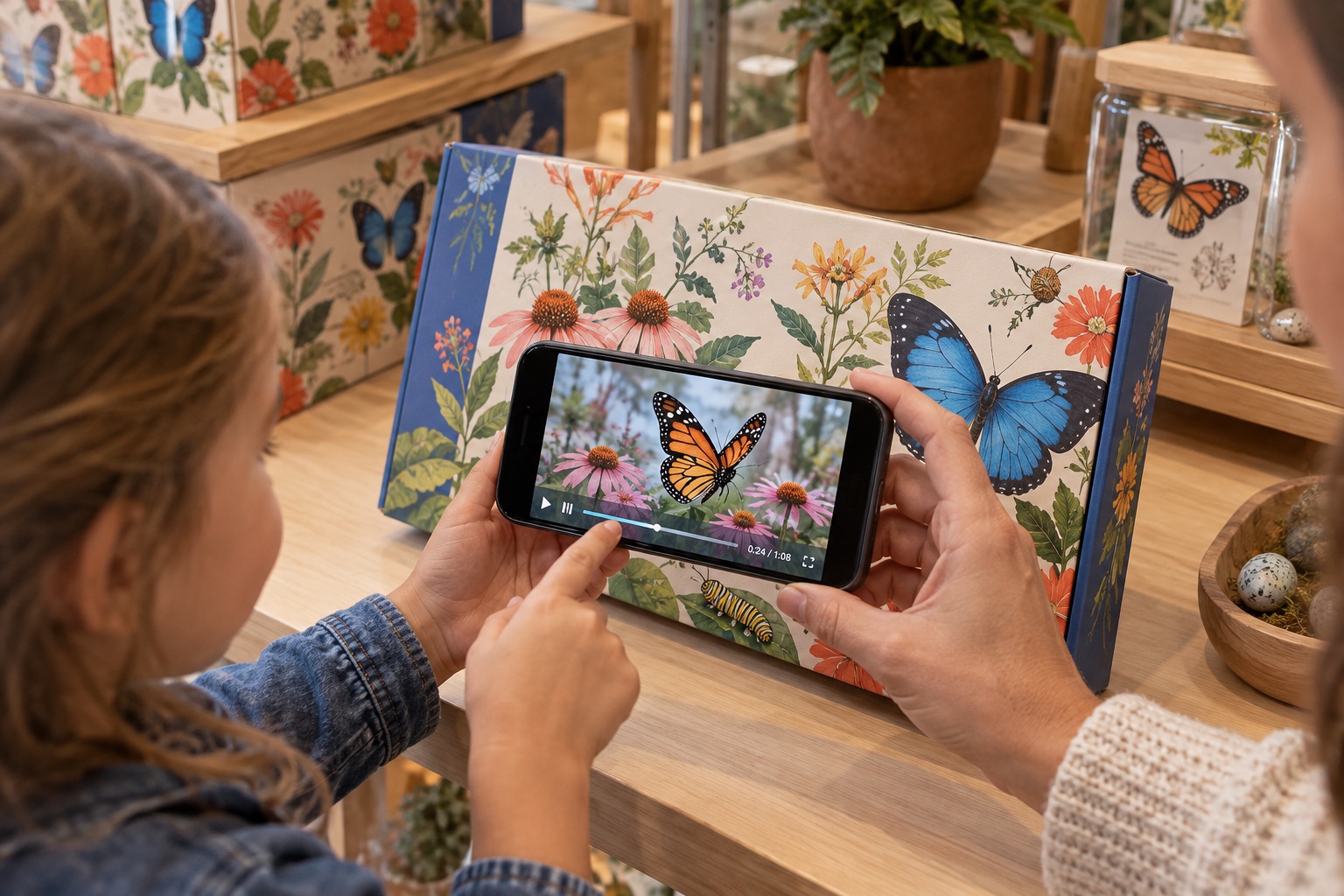
A how-to, an unboxing, or the maker on camera, right on the shelf.
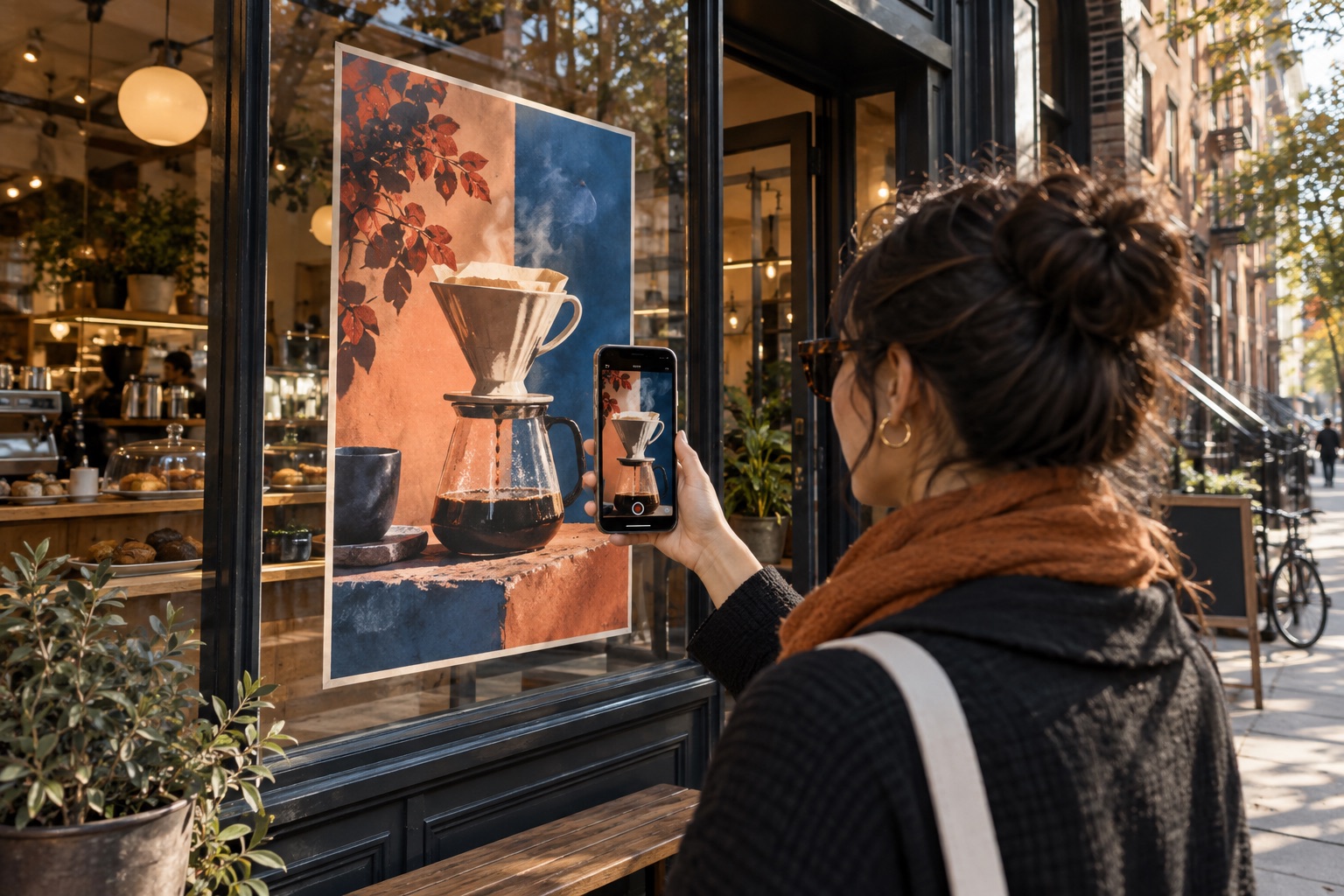
Swap the video behind a poster each season. No reprint.
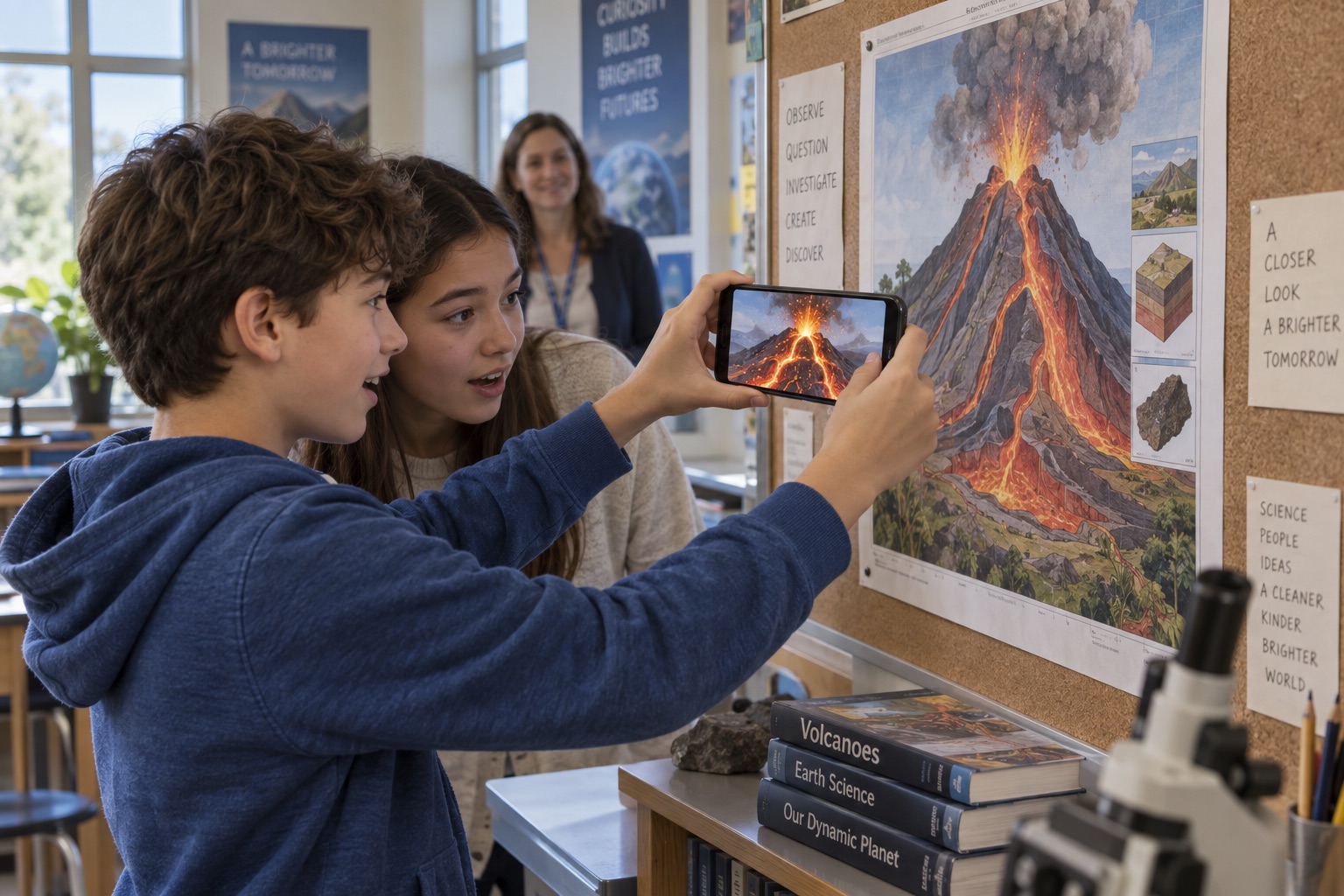
A diagram becomes a 3D model students can walk around.
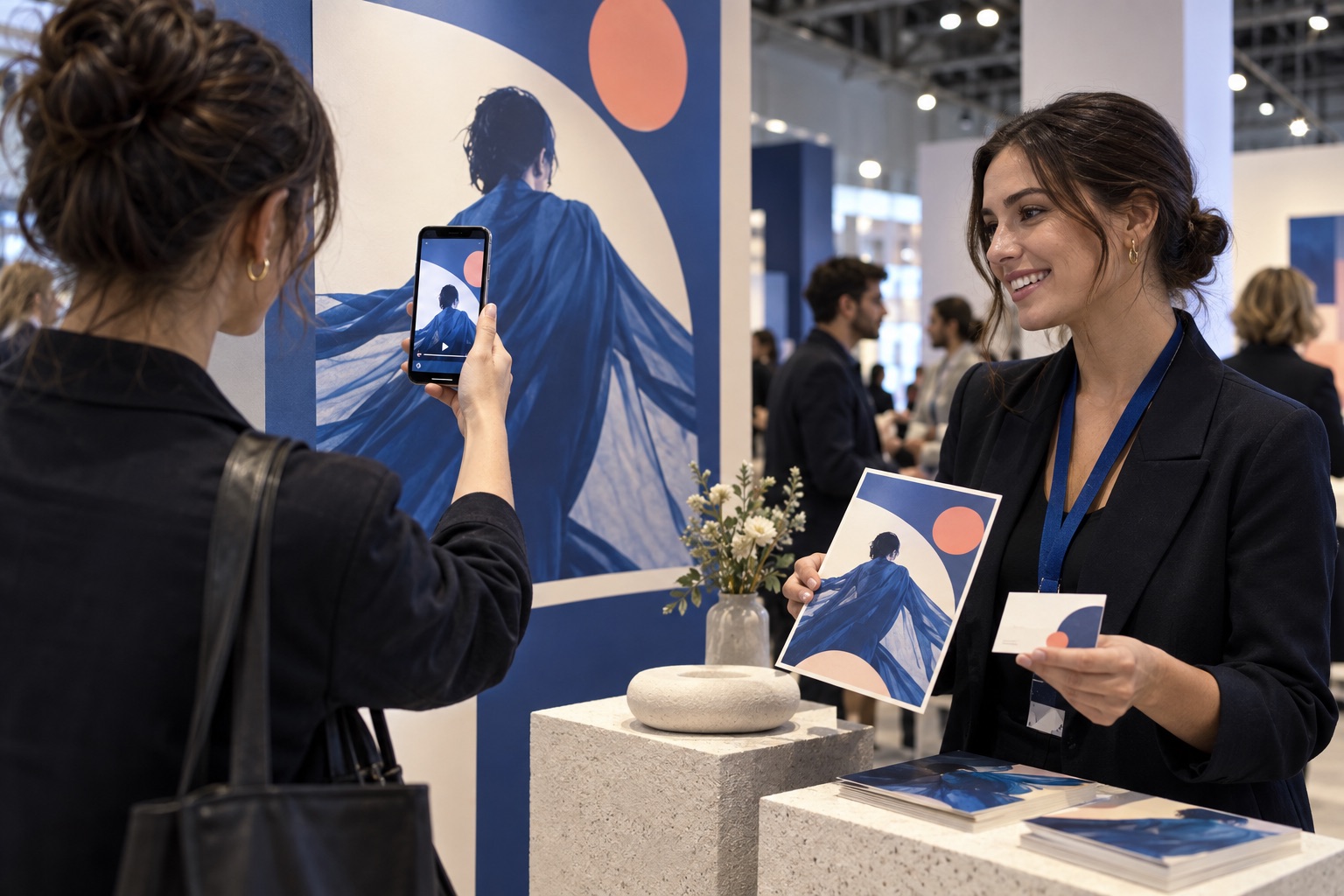
A speaker reel or sponsor message on the flyer people take home.
A walkthrough video or a 3D floor plan on the listing sheet.
The artist speaking, or the object in 3D, beside the wall text.
PLANS
Both use the same tracking and the same no-app viewer. Full plan details
$0 while we're in beta
By request during the beta
WHERE WE ARE
ZMediaAR is free while we test it with real prints, real phones, and real feedback. The Composer is newer still, so Pro is by request until it's steady. Here's what's done and what isn't.