USE CASES

Scenes where print already gets
picked up.

ZMediaAR fits anywhere someone is holding, reading, or passing along a printed piece. Seven places print already works hard, and what Free and Pro each add.

Use cases

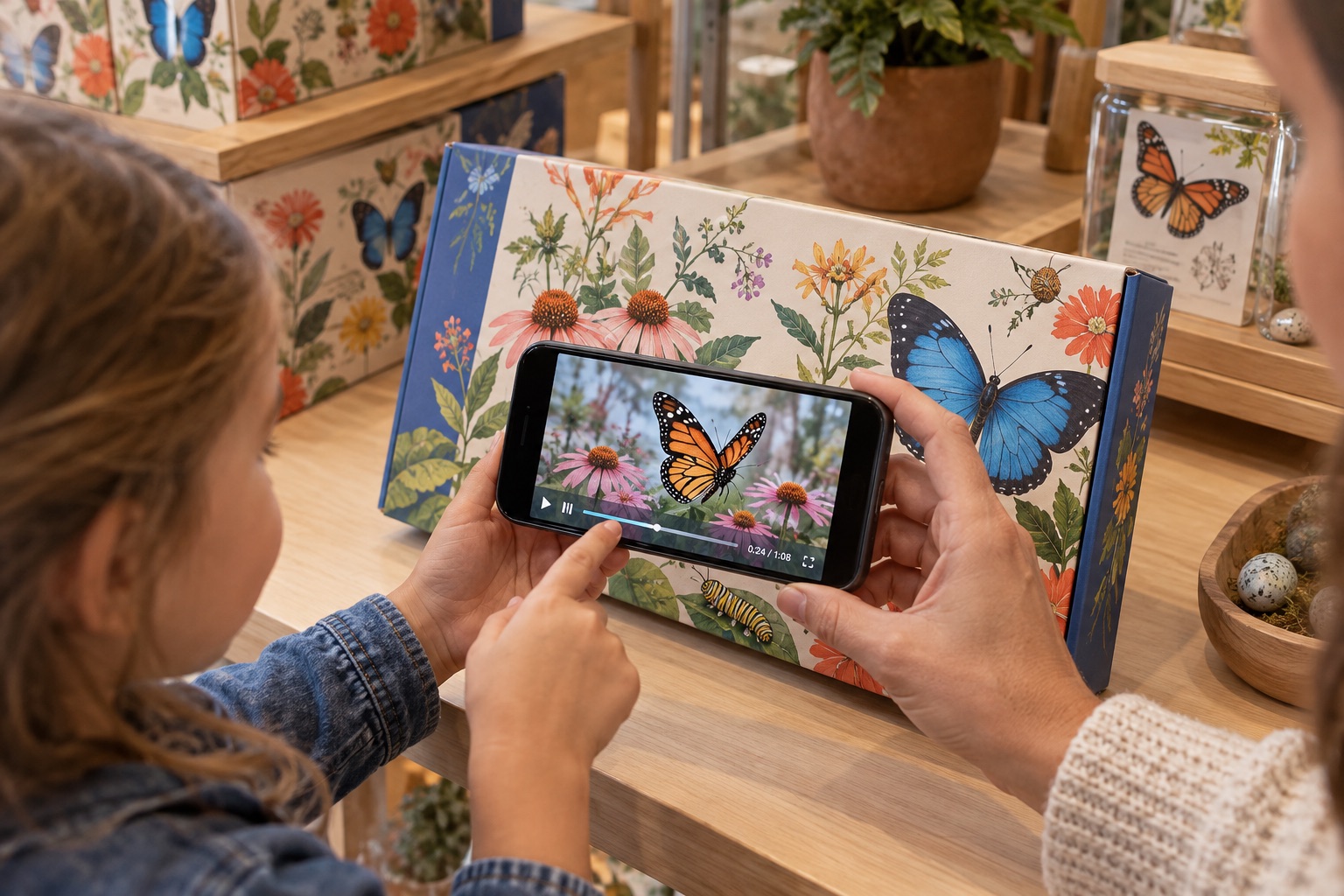
A parent and child use a phone to view butterfly content on an illustrated product package.
01 / PACKAGING

Let the box tell the story.

Show the product in use, the maker, or the how-to, right where someone first picks it up.

  • Boxes, labels, and inserts with distinct artwork track well.
  • No change to your packaging run — the trigger is the artwork you already print.
  • Good for small-batch goods that have more story than label space.

FreeStart with: A video on the front panel.

ProGo further with: The product in 3D above the box, a green-screen maker beside it, a tap that opens your shop.
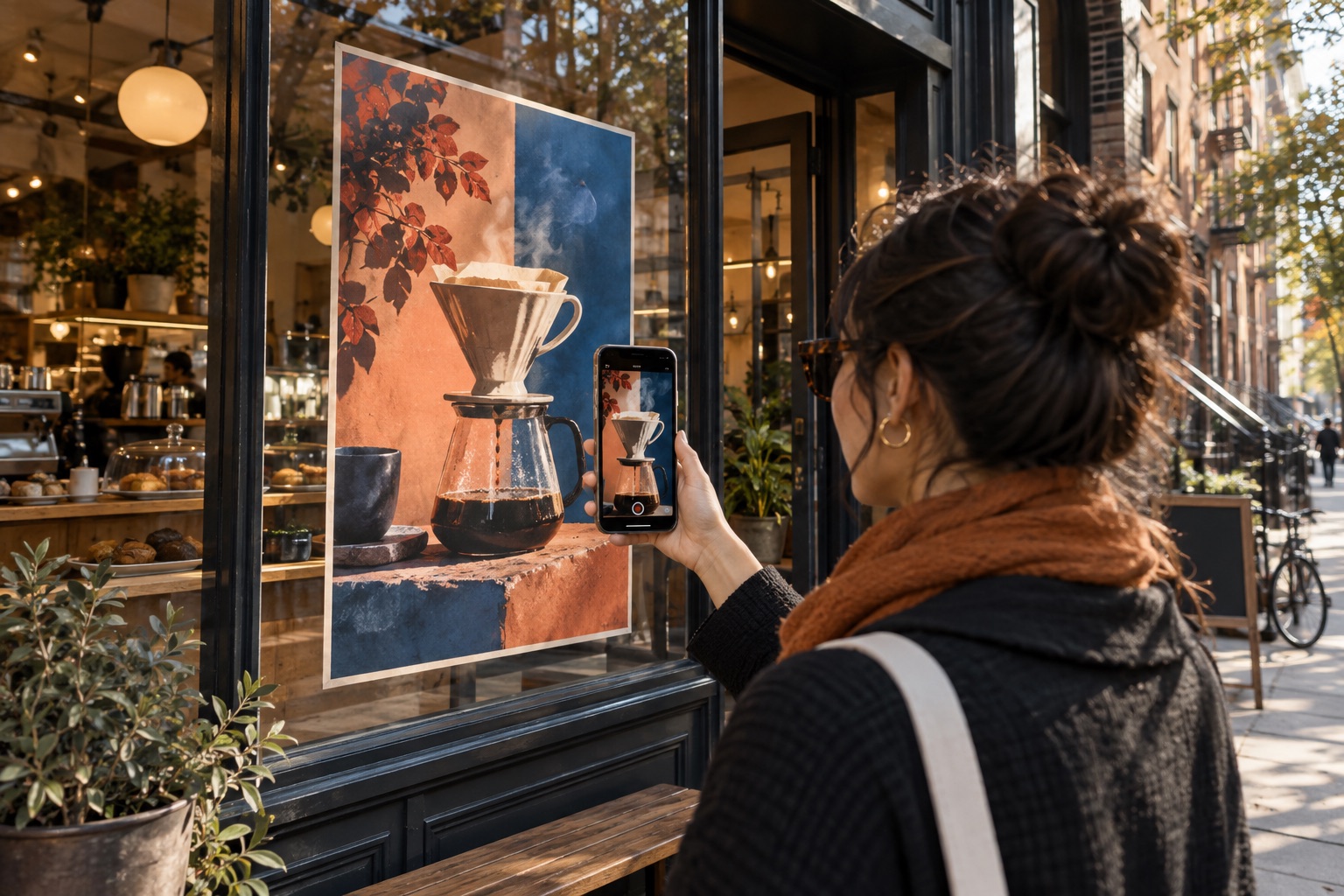
A customer points a phone at a coffee shop window poster to view a matching promotional video.
02 / RETAIL & LOCAL CAMPAIGNS

Make a window do more.

Turn a shop window, menu board, or street poster into a closer look at what you offer.

  • Swap the video behind a poster each season without a reprint.
  • The QR sits on the print, so there's nothing extra to carry.
  • Works for cafés, markets, venues, and neighbourhood campaigns.

FreeStart with: A promo clip on the poster.

ProGo further with: Prices and offers in text, a soundtrack, items that appear one after another.

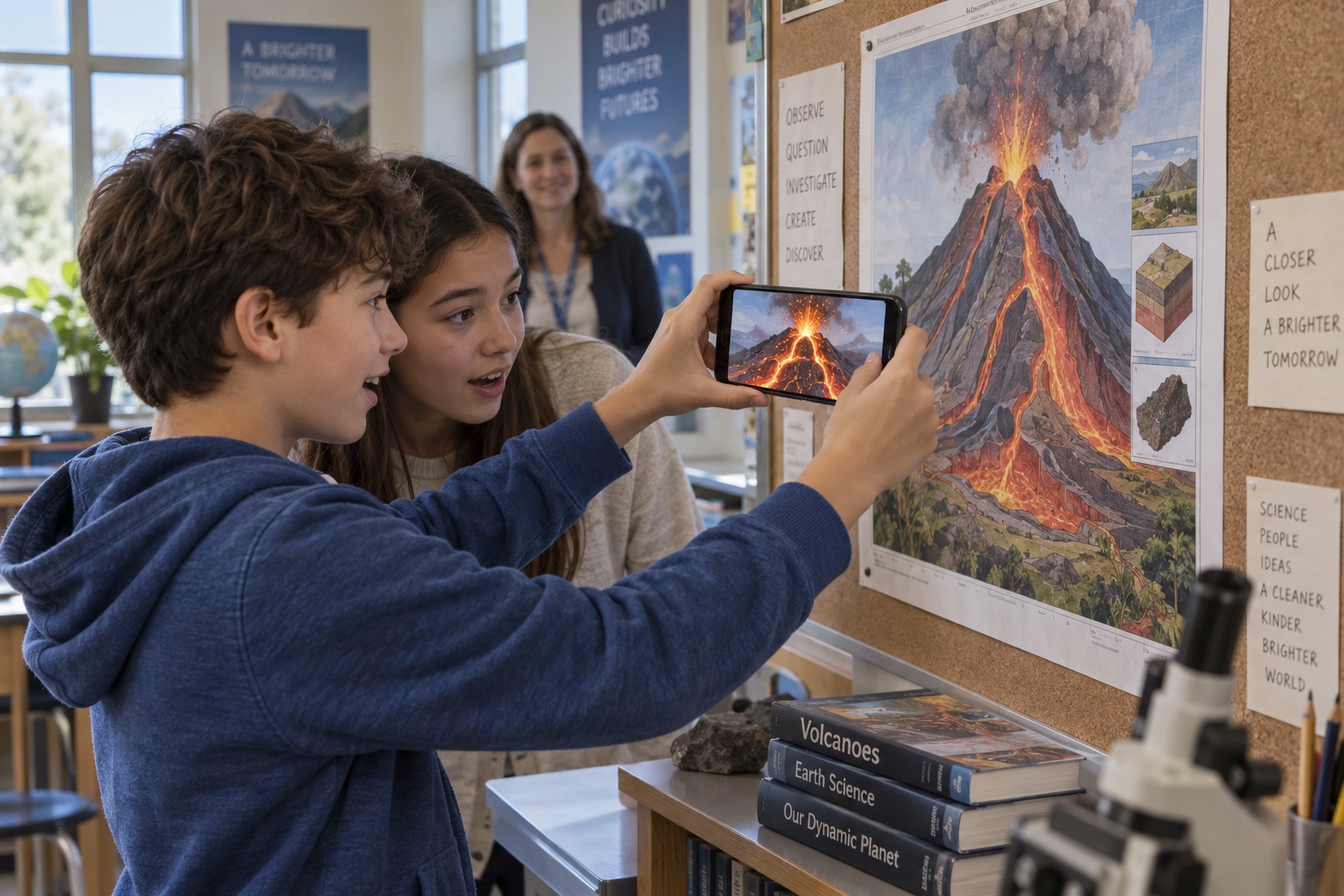
Students use a phone to view a volcano video aligned with a classroom science poster.
03 / EDUCATION

Take lessons off the wall.

Give a science poster, worksheet, or vocabulary card a moment students can explore at their own pace.

  • Print a diagram once; update the video behind it any time.
  • Works on shared tablets and students' own phones.
  • Students don't sign in — only the teacher creating the experience does.

FreeStart with: A short explainer on the worksheet.

ProGo further with: A labelled 3D model students can walk around, with a narrated audio track.

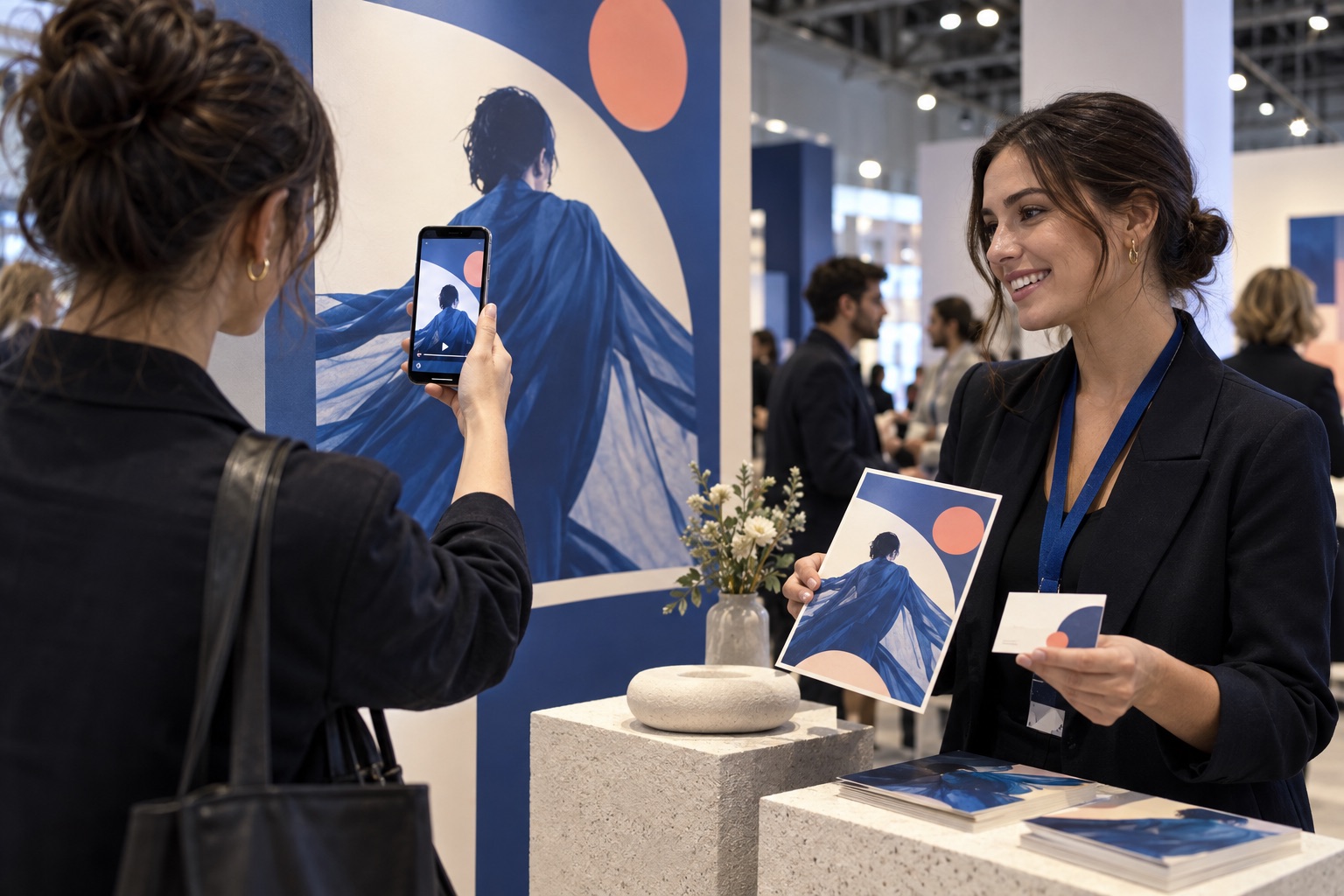
At a trade show, a visitor scans a printed promotional poster while a representative holds matching flyers and a business card.
04 / EVENTS & PROMOTIONS

Keep the conversation going.

Add a speaker reel, a sponsor message, or a thank-you to the flyers and graphics people take home.

  • One flyer design can point to a different video per event.
  • Pairs naturally with a printed one-pager and a QR on the table.
  • Works for trade shows, conferences, and pop-ups.

FreeStart with: A reel on the flyer.

ProGo further with: A green-screen host, a tap-to-register link, and a scan-reveal that makes the booth photo-worthy.

05 / REAL ESTATE

Open the door from the flyer.

A listing sheet, a window card, or a signboard becomes a walkthrough the moment it's scanned.

  • The flyer tracks the same way a poster does; no special print.
  • Change the video when the price or the staging changes.
  • A tap can open the booking page for a viewing.

FreeStart with: A walkthrough video on the listing sheet.

ProGo further with: A 3D floor plan rising from the page, the agent in green-screen, a tap that books a viewing.

06 / MUSEUMS & GALLERIES

Give the label a voice.

Wall text, exhibition guides, and postcards can carry the artist's voice or the object in three dimensions.

  • Visitors use their own phones; nothing to lend out or install.
  • Quiet by default: audio starts muted until the visitor taps.
  • Update the content between exhibitions without reprinting the label.

FreeStart with: A short film beside the label.

ProGo further with: A 3D scan of the object above the wall text, with spatial audio commentary.

07 / BUSINESS CARDS

Hand over more than a name.

A card becomes a short intro, a portfolio reel, or a booking link the moment someone scans it.

  • Works with the card you already print; no special stock.
  • Update the video without reprinting a single card.
  • A simple way for freelancers, agents, and small teams to stand out at a handoff.

FreeStart with: An intro video on the card.

ProGo further with: You, keyed from a green screen, standing on the card — with a tap that opens your calendar.

The phone frames are drawings of what a scene can look like. The photographs are AI-generated illustrations, not pictures of real customers or products. Pro items are in beta.

See your own print come to life.